Hardware and connections
What plugs into Kuver Books, and what does not.
This page covers counter hardware, payments, and data going in and out, each marked documented, to be published, or not offered. If your setup is not listed, ask us and we will answer plainly.
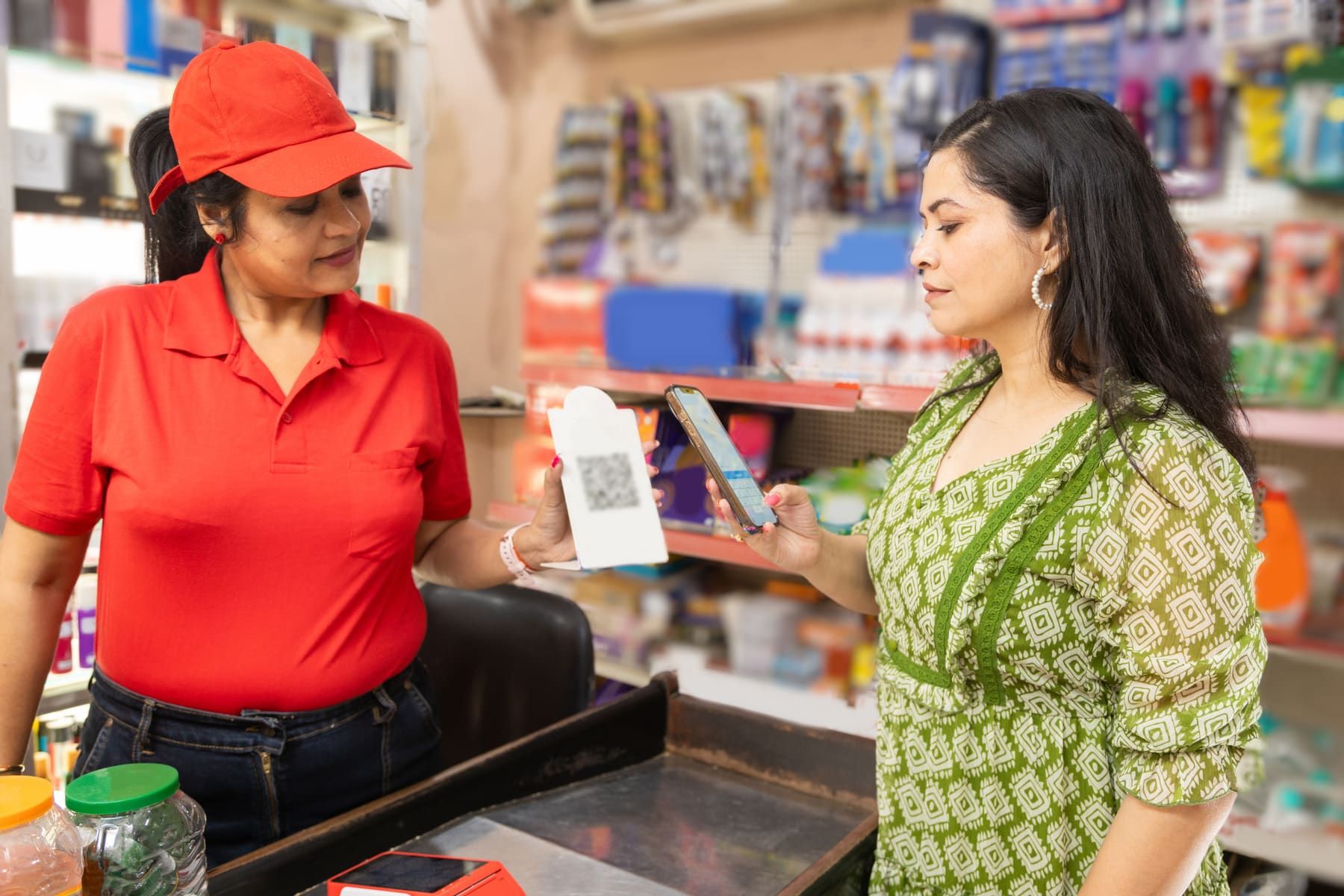
At the counter
- Documented
Printers
Kuver Books prints through the browser, so any printer your computer or phone can print to works. Print templates come in three designs for A4, A5 and 58 or 80 mm thermal rolls.
- Documented
Barcode scanners
Any scanner that types what it reads (the usual USB or Bluetooth kind) works at the counter. One scan adds the item, and a second scan raises the quantity. Labels print as Code 128, and EAN-13, EAN-8 and UPC-A barcodes map to your products.
- Documented
Computers, tablets and phones
Kuver Books runs in a modern browser on Windows, macOS, Android and iOS. There is nothing to install: a bookmark on the counter machine is all the setup.
- Ask us
Cash drawers
Drawers that open on the receipt printer’s signal are common in Nepal. Tell us your printer and drawer model, and we will check with you that they work together before you buy.
Money
- Documented
Recording payments
Record payments across 10 Nepali methods: cash, Khalti, eSewa, bank transfer, ConnectIPS, Fonepay, IME Pay, PrabhuPay, card and mobile banking. Each payment is recorded at the counter and settled in the ledger. These are not gateway integrations.
- To be published
Online store payments
The connected store takes orders now. The payment gateways it accepts are published here once they are confirmed live.
- Not offered
Automatic bank connections
Not offered on any plan, because Nepali banks do not provide public interfaces for them. You record bank accounts in Kuver Books, but they do not sync with the bank.
Data in and out
- Documented
Spreadsheet import
A four-step import wizard brings in products, services, suppliers, customers, units, attributes, categories, bank accounts, opening stock and opening balances.
- Documented
Exports
Every report exports as XLSX, CSV or PDF, and the online store exports as a complete archive. Your data leaves with you when you cancel.
- Enterprise
Developer API
Available on the Enterprise plan for connecting other systems. It covers products and stock, invoices, credit and debit notes, and webhooks. The reference is in the help centre under Developer API. Tell us what you want to connect and we will say whether it is covered.
Hardware questions
Which thermal printer should I buy?
Does it work if the internet drops?
Can I connect a weighing scale or a customer display?
See it on the counter you already have.
A demo on your kind of shop, with your printer and scanner in mind.
Talk to a person
WhatsApp Call +977 974-4401191Sunday to Friday, 9am to 6pm NPT. A real person replies within one business day.