Supermarkets, marts and department stores
Supermarket billing software in Nepal, from till to godown
Saturday queues at every till, a godown that never matches the shelf, and no idea which aisle earns. Kuver Books bills every counter into one stock, tracks godown transfers and shows margin by item.
- IRD-format VAT invoices
- A login and role for each cashier
- Godown and shop floor as warehouses
- Free trial, no card required
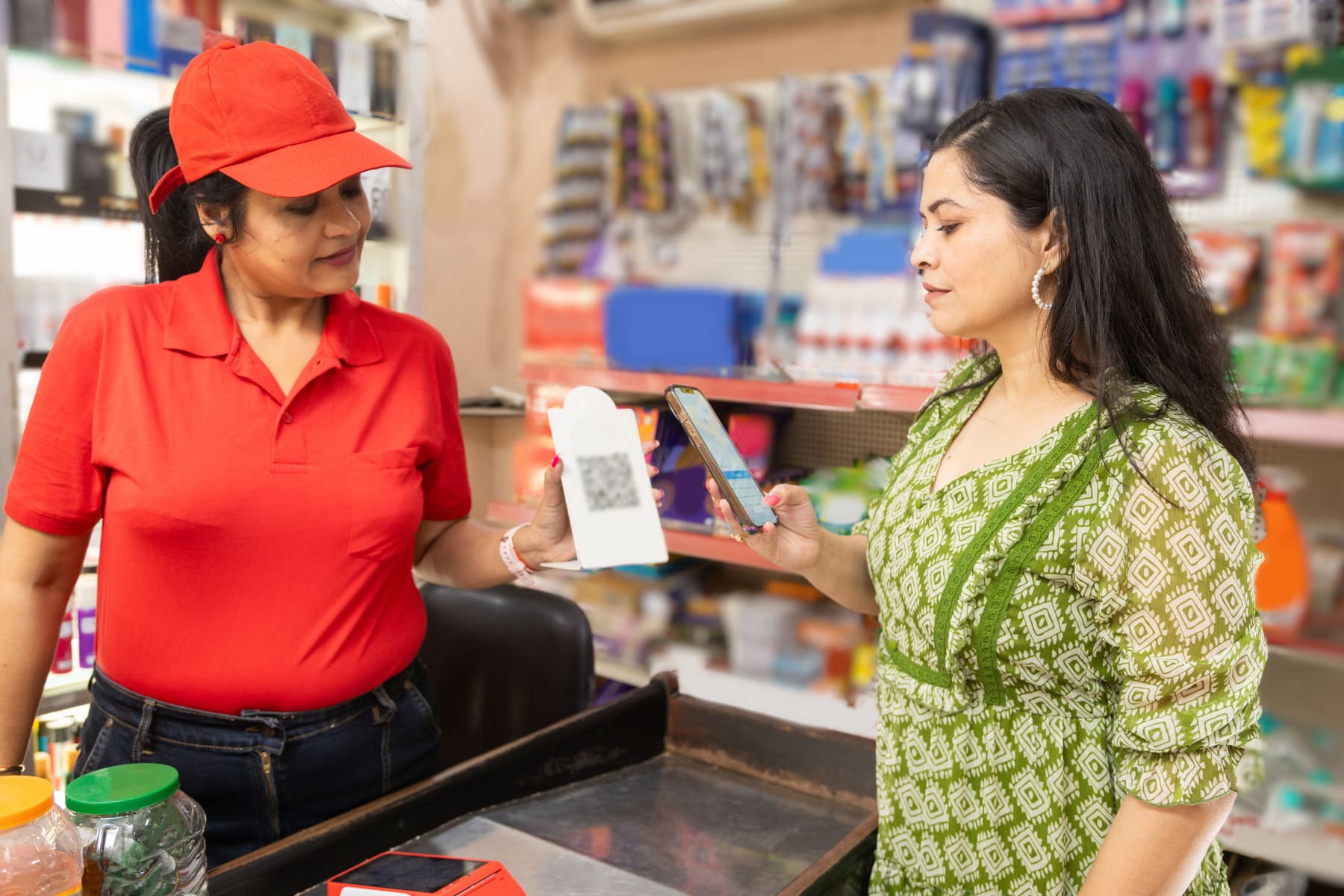
In short
What billing software do supermarkets in Nepal use?
A supermarket in Nepal needs VAT bills at several tills, one stock count across the godown and the shelves, and margin by item. Kuver Books is cloud billing and inventory software that does this, with a login and role for each cashier, barcode billing and tracked godown transfers. It is listed by the Inland Revenue Department under the Electronic Billing Procedure 2074, with unlimited warehouses on every plan.
Before and after
What changes when a supermarket moves off a single desktop till?
-
The numbers stop living on one machine
The numbers stop living on one machine. Every till bills into the same cloud records, so the owner reads the day’s sales and stock from any browser while the shop is still open, and a broken computer at one counter does not take the records with it.
Before: One desktop computer holds the only copy of the day's sales, and the owner sees them the next morning.
-
The godown stops being a guess
The godown stops being a guess. Transfers to the floor run as requisitions and stock issues with the lots named, goods in transit are visible on both sides, and a count that does not match is corrected with a reason and an approval rather than a quiet edit.
Before: Godown stock counted once a month, and the gap with the shelves written off as a guess.
-
Margin becomes something you watch each month
Margin becomes something you watch each month. There are 32 built-in reports, including product profitability, inventory ageing and the VAT registers, plus 4 insight hubs, 16 KPIs, 16 charts that open on the numbers rather than on an empty filter form.
Before: Margin worked out once a year, from a closing stock figure nobody quite trusts.
Supermarkets and department stores
What Kuver Books does for you each day
Several tills on one stock, godown-to-shelf transfers, and margin by item and category.
-
Several tills, one stock count
Each cashier bills on their own login, and every approved bill draws from the same stock.
-
Godown to shelf on a requisition
The floor asks, the godown issues the lots, and anything not yet shelved shows as in transit.
-
Breakage and count gaps on the record
Every shortfall goes through an adjustment with a reason and an approval before stock changes.
-
Which category actually earns
Product profitability sets cost of goods sold against sales and margin for every item.
-
Supplier rate rises caught early
Purchase insights flag a cost spike when an item costs more than its own history.
Supermarkets and department stores, hour by hour
What does a Saturday look like across the tills?
-
Opening
Every till signs in to the same stock
The shutters go up and every till signs in. Each cashier logs in as themselves, and every bill they raise draws from the same catalogue and the same stock. A packet scans and lands on the line, and the same packet scanned again raises the quantity instead of adding a second line. When a customer goes back for the milk they forgot, the half-finished bill is kept as a draft while the cashier serves the next person in the queue. For the queues that come with Dashain and Tihar, the festival rush billing guide covers how to set the counter up beforehand.
-
Mid-morning
Shelves refilled from the godown
By mid-morning the cooking oil and the rice aisle are thin. The shop floor and the godown are separate warehouses, each with its own balance, so the floor raises a requisition rather than someone carrying cartons out on trust. The godown approves what it can spare, which may be part of the request, and a stock issue names the lots leaving. Until the floor confirms the receipt, the goods sit in transit where both sides can see them. If a carton arrives damaged, the shortfall is settled with a reason code and the adjustment is written for you.
-
Afternoon
Supplier bills photographed at the back door
Deliveries arrive all afternoon, and nobody has time to type supplier bills. Photograph the bill (PNG or JPEG), up to 5 photos per batch, 20 MB each. AI Bill Scanning reads the supplier, the dates, the totals and every line, and matches each line to your catalogue. Someone checks the filled-in purchase bill beside the photo and approves it, and stock goes up batch by batch. Purchase insights then flag anything that has jumped in price against its own history, so a supplier rate rise is seen this week rather than at year end. 25 AI bill scans a day included on Standard and Premium.
-
Closing
Takings by method, then the lock
At closing the dashboard splits the day by payment method, since you can record payments across 10 Nepali methods: cash, Khalti, eSewa, bank transfer, ConnectIPS, Fonepay, IME Pay, PrabhuPay, card and mobile banking. Collections sit in the cash-flow ledger with a running balance, and once the day is closed it locks, so nobody edits it afterwards. Depositing the cash is one screen that shows the available amount, the amount transferring and the closing balance before you confirm. The low-stock banners tell tomorrow’s buyer what to order first.
How do several tills share one stock count?
Every cashier signs in as themselves and bills from the same catalogue. When a bill is approved, stock leaves the warehouse it was billed from, so the shelf figure is the same at every counter and on the owner screen.
- A role for every cashier Who may bill, discount, void or approve is set per module and per action.
- Discounts only where you allow A role switch decides who may discount, and products can be marked no-discount.
- Every void has a name on it Creates, approvals and voids are stamped with the user and the time.
- 1. Source: Invoice numbering, reprint and cancellation behaviour in the product, set against the IRD Electronic Billing Procedure 2074. Verified 2026-09-13.
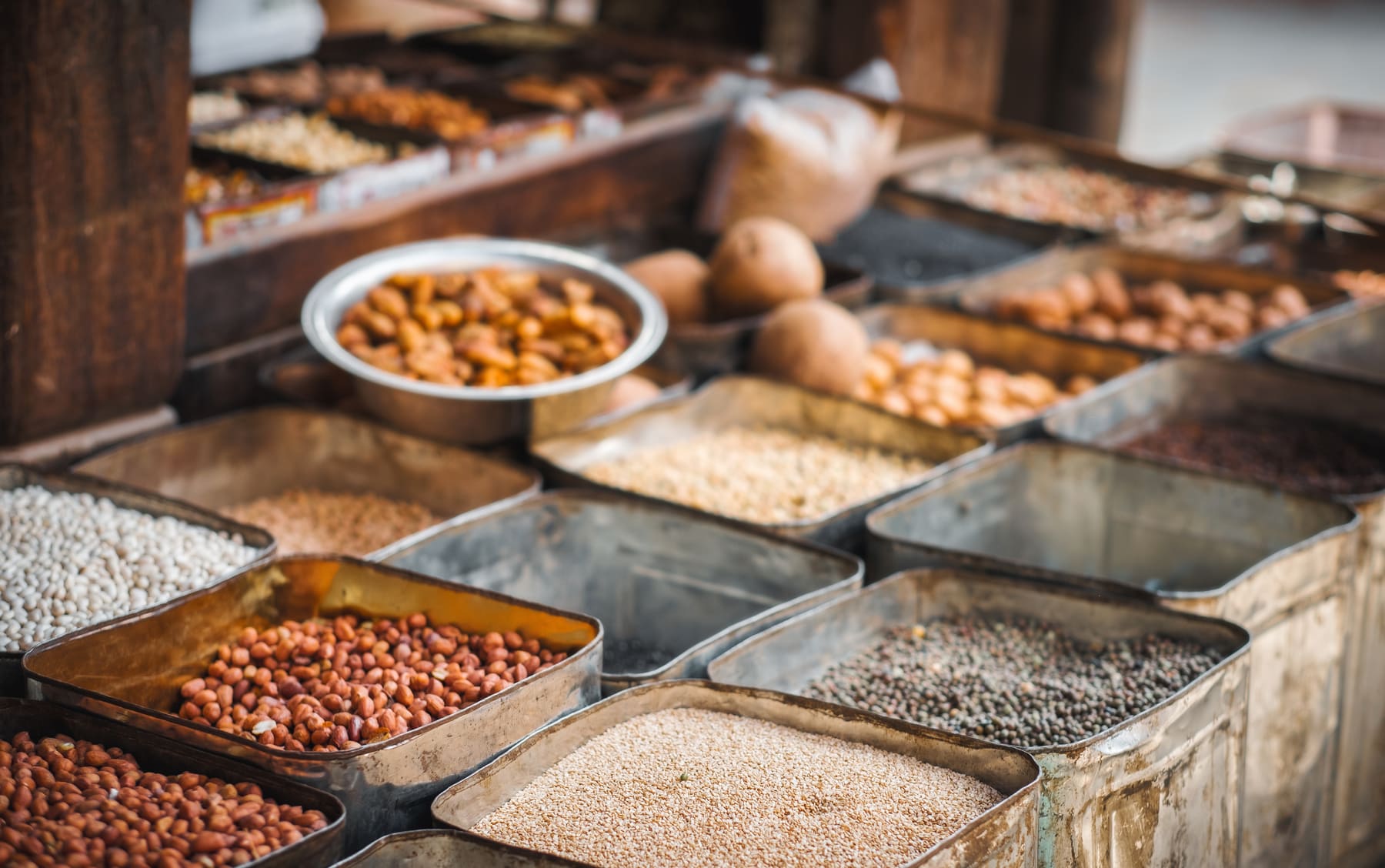
Which products and categories actually make money?
A supermarket can sell a lot and still earn little. Product profitability sets purchases and cost of goods sold against sales for each item, and purchase insights show when a supplier rate has crept up.
- Gross margin, product by product Opening stock, purchases, cost of goods sold, sales and margin for each item.
- Slow movers found by age The ageing report shows what has sat longest on the shelf, so you can put it on offer.
- Top sellers on the dashboard The dashboard lists top sellers by quantity and sales value, so you know what must never run out.
- 1. Report names are listed on the Reports page exactly as they appear in the product. Source: Counted on the Reports page, where every report is named (Sales 8, Purchase 10, VAT 6, Inventory 8). Verified 2026-09-12.

Fit check
What does Kuver Books not do for supermarkets?
Better you hear it now than after a month of setup.
-
It does not read a weighing scale or print scale labels
Fruit, vegetables and loose goods are set up with a kilo or gram unit, and the cashier keys the weight. -
It does not split one payment across two methods on the till screen
Each payment carries one method, so a customer paying partly in cash and partly by QR is recorded as two payments against the same bill. -
It does not run points or membership cards
A regular customer’s discount comes from a customer type, a line discount or a bill discount. -
It does not reorder for you
Minimum stock levels raise low-stock alerts, and a person still decides what to buy. -
It is cloud software, so every till needs a working connection
Check that the shop’s line can carry all your counters before opening day, and see the hardware and connections page for scanners and printers.
Not sure it fits your shop?
Tell us what you sell and how many counters you run. A specialist replies within one business day.
Is this supermarket billing software in Nepal ready for VAT filing?
- Unlimited warehouses on every plan
- 5-step guided fiscal-year close
- 14-day free trial, no card required
Kuver Books is listed by the Inland Revenue Department under the Electronic Billing Procedure 2074. Invoice numbers run in sequence per fiscal year and are never reused or edited; reprints are marked as copies and cancelled bills stay on record, which matters more when several cashiers are billing at once. The sales and purchase registers, the VAT summary in Nepali months and the Annex 13 counterparty report are ready when your accountant asks, and the VAT invoice requirements guide sets out what each bill must show. Unlimited warehouses on every plan, and single branch on Standard and Premium; Enterprise covers multi-branch, priced with you. At year end a 5-step guided fiscal-year close settles balances, revalues inventory and locks the closed year. Start with a 14-day free trial, no card required, import your catalogue, and run a real Saturday on it.
Questions
Questions from supermarket owners
Can several cashiers bill at the same time on one stock?
We sell fruit and vegetables by weight. Does it read our scale?
Our catalogue is large. How do we load it, and is there a limit?
We are opening a second store. Is that covered?
Pricing for supermarkets and department stores
-
Standard
NPR 1,500 a month
For a single outlet that bills every day.
-
Premium Recommended
NPR 2,000 a month
For a bigger catalogue and higher billing volume.
-
Enterprise
Priced with you
For multi-branch operations and teams that need an API.
14-day free trial, no card required. 13% VAT applies to all prices. Yearly billing costs less; every limit is on the pricing page.
Try Kuver Books on a supermarkets and department stores business like yours.
Guided setup with your items imported. Your workspace is ready the same business day.
Talk to a person
WhatsApp Call +977 974-4401191Sunday to Friday, 9am to 6pm NPT. A real person replies within one business day.