At the counter
POS software for Nepal, fast at the counter
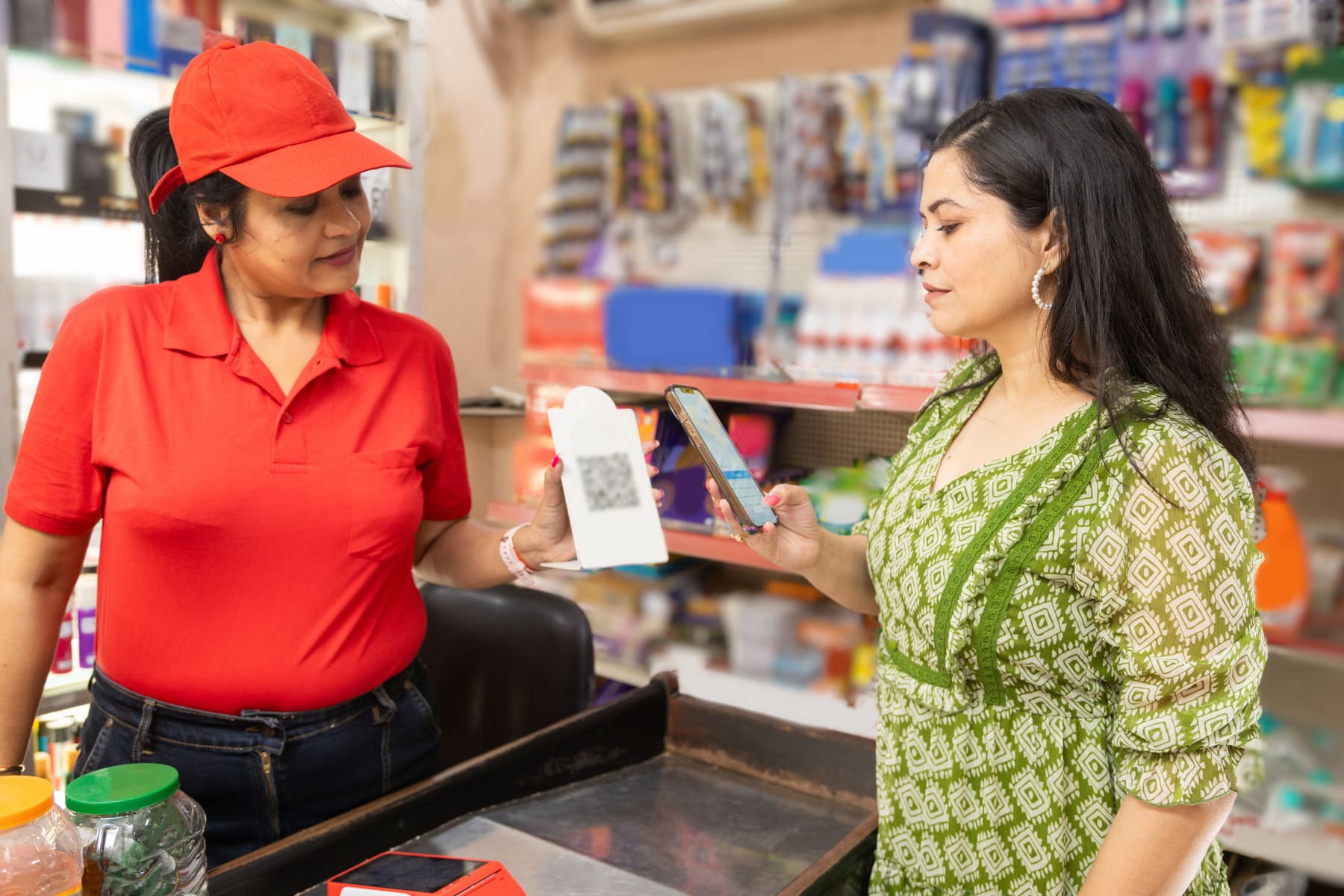
Scan to bill. Each saved sale is a VAT invoice, takes the item off your stock and records any udhaaro. At day end the cash locks, and low-stock alerts tell you what to reorder.
In short
Which POS software in Nepal handles VAT billing, stock and day-end?
Kuver Books is cloud POS software built for counters in Nepal. Scan or search to bill, and each sale is already a VAT invoice, a stock movement and a receivable. You can record payments across 10 Nepali methods, print thermal receipts and lock the day-end cash. Invoice numbers run in sequence per fiscal year and are never reused or edited. It runs in a browser and expects a connection.
See it on screen
An illustrative view of the screen this page describes.
Scan, search, and the bill finishes itself
Scan a barcode, or type the number and press Enter, and the product drops onto the bill. Scan the same item again and the quantity goes up. Rate, VAT and totals fill in by themselves, so the queue keeps moving.
- Barcode scan to add A keyboard shortcut jumps straight to the scan field, so hands stay on the scanner.
- Search or add in bulk Find items by name or code, or tick several products at once from one list.
- Add a missing item mid-bill Add a new customer or product from the bill itself, without losing what you have typed.
- Discounts in rupees or percent On one line or the whole bill, and only staff you allow can give one.
From counter to settled
The same steps whether the sale starts at the till or as an order taken earlier.
-
Bill the sale
Bill directly at the counter, or convert an approved sales order with every line carried across.
-
Record the payment
Pick the method and the bank account it landed in. Part payments leave the balance open.
-
Hand it over
Print to a thermal receipt, A4 or A5, or send the same document on WhatsApp or email.
-
Close the day
Takings split by method, the cash ledger locks, and the deposit to the bank is recorded.
Included
Speed at the counter, without losing the reins
These controls let a busy shop trust its own numbers at month end.
- Roles that limit what staff do For each part of the app, choose who can view, create, edit, approve or void.
- Discounting is a permission You switch discounting on or off for each role.
- An audit log you can read Every new bill, approval, void and stock movement shows who did it and when.
- Numbering the IRD expects Sequential invoice numbers, never reused or edited, with reprints marked as copies.
- Udhaaro limits at the till When a customer goes over their credit limit, a banner shows with a link to settle the dues.
- Returns through credit notes A credit note tied to the original bill reduces what the customer owes once approved.
A day-end that locks, not a count in a notebook
Every cash and bank movement goes into one ledger, in date order, with a running balance in NPR. Close the day and it locks. When you take cash to the bank, the deposit form does the sums as you type.
- Opening and closing rows Cash and bank movements in date order, with the balance computed for you.
- Day-end lock Once a day is printed, nobody can edit it later.
- Cash to bank, with live maths Available, transferring and closing balances update as you type the amount.
- Corrections leave a trail A cash correction needs a reason and a supporting document before it is saved.
- 1. Source: The payment methods offered on the product's payment screen (recording methods, not gateway integrations). Verified 2026-09-12.

Plans and pricing
-
Standard
NPR 1,500 a month
For a single outlet that bills every day.
-
Premium Recommended
NPR 2,000 a month
For a bigger catalogue and higher billing volume.
-
Enterprise
Priced with you
For multi-branch operations and teams that need an API.
14-day free trial, no card required. 13% VAT applies to all prices. Yearly billing costs less; every limit is on the pricing page.
Questions shopkeepers ask first
Is this a real POS, or just invoicing software?
Can one bill be split across two payment methods at the till?
Will it print on my thermal printer?
Does it work when the internet goes down?
Can I stop a cashier from discounting whatever they like?
Does it handle restaurant tables and kitchen order tickets?
Learn how it works
The rules behind this feature and the step-by-step articles from the help centre.
How does counter billing work in Kuver Books?
In Kuver Books a sale is one document. You scan or search, the line picks up its rate and 13% VAT, and the totals add up as you go. When you save the bill, the same approval that prints the receipt also takes the stock out of the warehouse you billed from. If the customer has not paid in full, the balance goes into your receivables as udhaaro. Nobody types the day in again at closing time.
Billing
Kuver Books reads a code made only of digits as a barcode, so a scanner works the way you expect: Enter adds the item, and a second scan raises the quantity. Items without a barcode can be found by name or by your own code, and the bulk picker lets you tick a long list of items from the keyboard. If a customer or product is new, you can create it without leaving the bill.
Payment
Each payment is recorded against the bill with its method and the bank account the money went to. Record payments across 10 Nepali methods: cash, Khalti, eSewa, bank transfer, ConnectIPS, Fonepay, IME Pay, PrabhuPay, card and mobile banking. You can add your own methods as well. Kuver Books records how the customer paid; it does not process the payment. The money still moves through your own till, bank or wallet. Because every payment is written down with its method, the day-end, the receivables ledger and the payment-mix chart all agree with the drawer.
Day end
The cash-flow ledger records every movement in date order, with opening and closing rows. Once a day has been printed it locks, so yesterday stays what it was. When you move cash from the till to the bank, the form shows the available, transferring and closing balances as you type. Any correction needs a reason and a supporting document.
The same records tell you what to do tomorrow. Set a minimum stock level for each product, and when a fast seller drops below it a low-stock banner shows on the product list and the dashboard, while there is still time to order more. The receivables ledger shows who owes you and since when, so you know whose udhaaro to collect first. A free connected online store is included with every plan, built from the catalogue you already bill from, so you can sell online as well as at the counter.
What does POS software in Nepal have to get right?
The Nepal rules come built in. Invoice numbers run sequentially per fiscal year and are never reused or edited; reprints are marked as copies. Bikram Sambat sits beside AD on records and report filters, and the fiscal year closes at Asar end through a 5-step guided fiscal-year close. VAT registers, the Nepali-month VAT summary and the Annex 13 counterparty report come out of the same documents you billed from. Every change lands in an activity log that an auditor can read.
What doesn’t Kuver Books POS do?
Check this list before you buy.
- No split payment on one bill at the till. Each recorded payment has one method, though several payments can settle one bill over time.
- No dedicated touch-screen till application. Billing happens in a browser on the same screen your stock and money already run on.
- No table plans, kitchen order tickets or recipe-linked stock for full-service restaurants.
- No membership or points schemes, and no automated reordering. Reorder levels raise low-stock alerts, and the buying decision stays yours.
- No quick-sale checkout that skips the customer and the document. Every sale is a real invoice.
- A connection is expected at the counter. The documented offline mode is reduced, so raise connectivity on a demo.
Who is POS billing built for?
A good fit
Counters that ring up many small bills a day and still have to answer for stock and VAT at the end of the month: kirana and grocery shops, pharmacies, hardware and building supplies, mobile and electronics shops, clothing retail, and cafes or takeaway counters that bill at a till rather than at a table. Wholesalers who sell over a counter as well as on order use the same screen, with customer types carrying their own discount.
Less of a fit
It fits less well if your counter has no internet, if you need a full restaurant floor system, or if you want a dedicated till device rather than a browser. Start with a 14-day free trial, no card required on your own products and bring your busiest hour with you.
See POS and counter billing on your own shop's data.
Guided setup with your items imported. Your workspace is ready the same business day.
Talk to a person
WhatsApp Call +977 974-4401191Sunday to Friday, 9am to 6pm NPT. A real person replies within one business day.