Glossary
What is Point of sale (POS)?
The point of sale is the counter where a sale is completed, payment is recorded and a bill is printed. A modern POS combines billing, payment recording and stock deduction in one step, so each sale updates inventory and sales records at the same time.
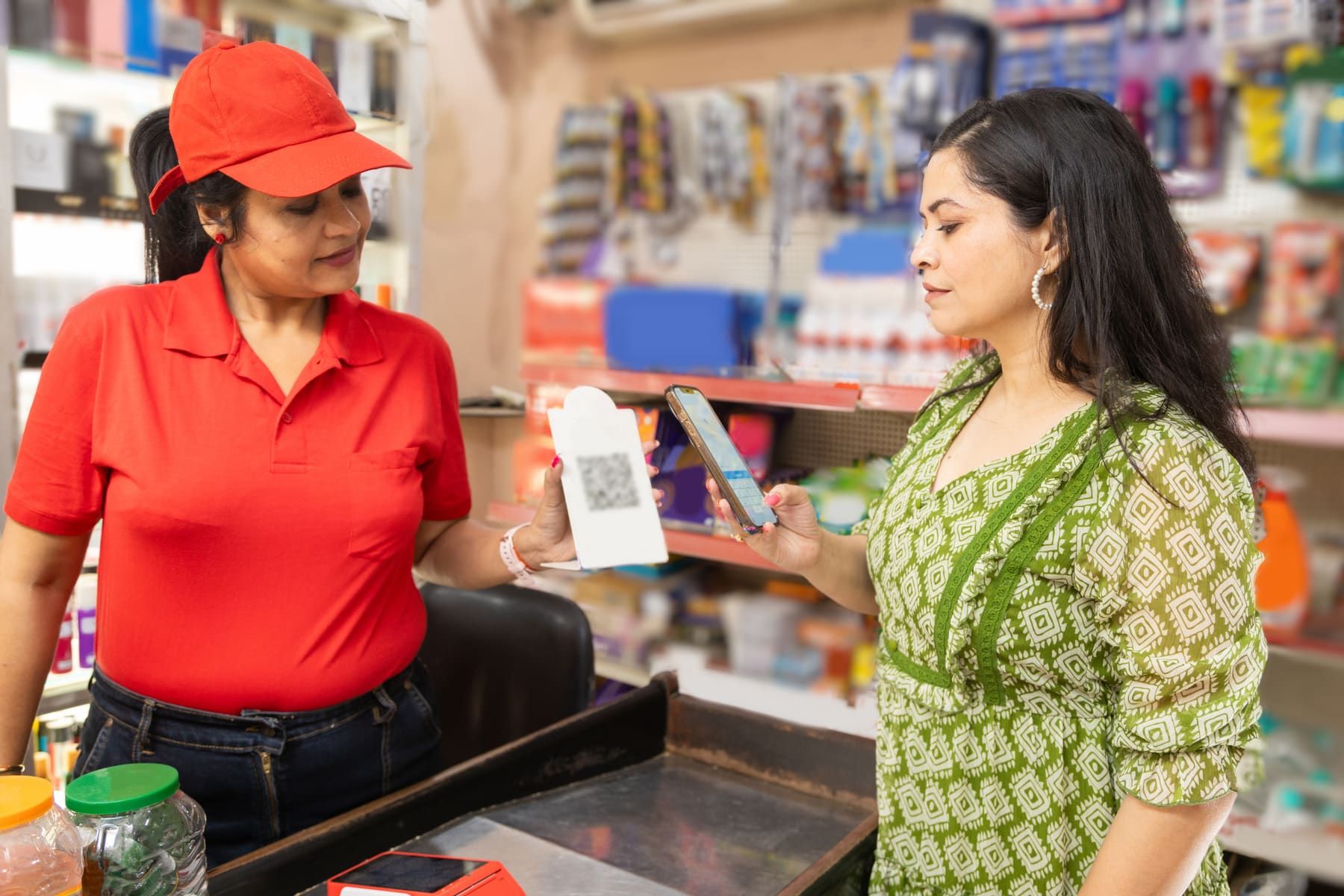
A POS system is the screen, scanner and printer at your counter that turn one sale into a bill, a payment record and a stock movement at the same moment. If any of those three still happens later, in a notebook or at night, you have billing software rather than a working point of sale.
How it works in practice
Take a mobile shop on New Road selling a phone cover for Rs 850, as an example. The cashier scans the barcode, and the rate and VAT fill in. The customer pays by wallet. When the bill is saved, the receipt prints on thermal paper, the cover leaves stock, and the payment is recorded against that method. At closing, the day’s takings are split by cash, wallet and bank. They should match the cash drawer and the phone, with nothing left to type.
Most walk-in customers will never reclaim VAT, so the receipt is often an abbreviated tax invoice. A registered business buyer who wants to claim input tax needs the full tax invoice. That is why a good cashier asks early.
What to check before you choose
- Speed in the busy hour: scanning, searching by name, and adding a missing item without losing the half-finished bill.
- Who may discount, void (cancel) or reprint a bill. Set those rights with role-based access control instead of relying on trust.
- Invoice numbers that run in sequence and cannot be edited, with reprints marked as copies, as the Electronic Billing Procedure 2074 expects.
- Printing on the paper you actually use: thermal receipt, A4 or A5.
- A day-end close that locks, so yesterday’s takings cannot be quietly changed.
- What happens when the connection drops, if the system is cloud based.
When it is not worth it
A distributor raising a handful of large bills a day against orders gains little from a fast counter screen. Order and invoice workflows matter more. In some shops, load-shedding or weak data often cuts the connection, and a cloud POS stops when the connection does. Plan a mobile hotspot, or read cloud or desktop business software before buying. And a POS does not fix a shop where some sales never reach the counter at all.
Kuver Books bills at the counter in a browser and records how the customer paid. It moves stock from the warehouse you billed from and locks the day at close. The POS and counter billing page sets out what it does and does not do.
Glossary
Every billing and tax term, A to Z.
See how Kuver Books handles point of sale (POS).
A free trial with your own items imported, and a person on WhatsApp for the questions.

Talk to a person
WhatsApp Call +977 974-4401191Sunday to Friday, 9am to 6pm NPT. A real person replies within one business day.